| IAP Software ™ |  |
| IAP Software ™ | |
Incident Specific Options
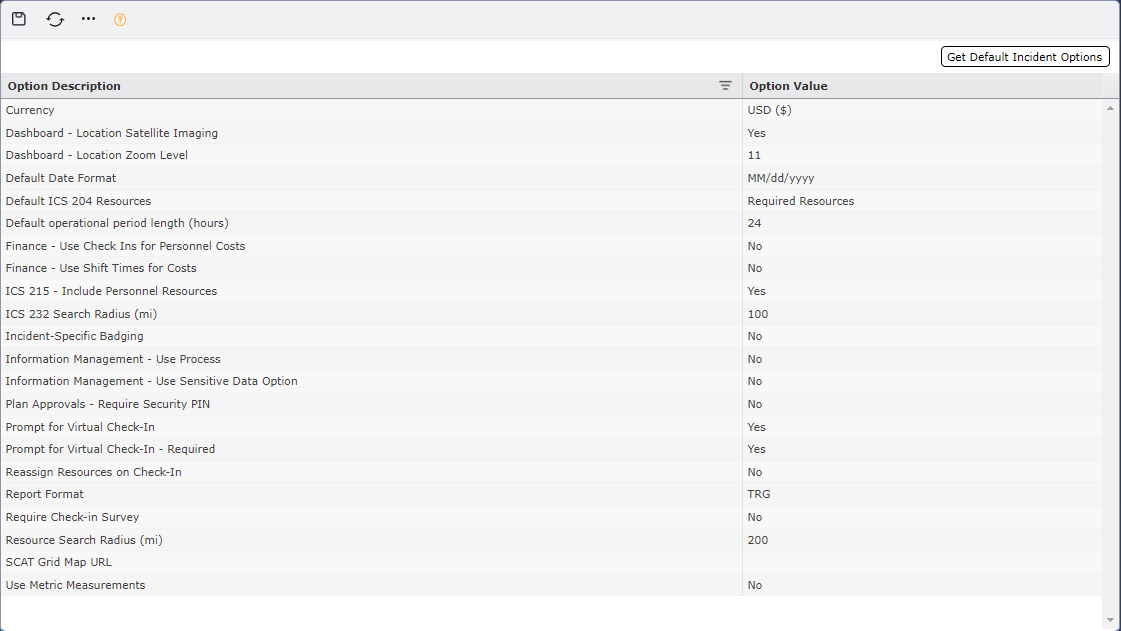
Incident Options is found in the Administration Section under Incident Management and gives the user a set of default options to either use or modify the option value.
Contents
Under the Option Description column, the user is given a set of options that cannot be modified. These are built in options which values can be altered for each incident.
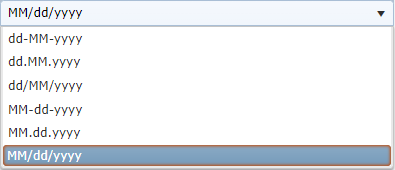
Under the Option Value column, the user can modify the value by clicking inside the field and free typing  , or choose from dropdown list.
Click the Save button  to keep all changes.
NOTE: The user can reset the information under the Option Value column by clicking on the Get Default Incident Options button  .
.
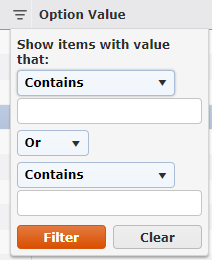
Users can easily filter choices by clicking the filter symbol  located in the Option Description column.
© 2024, TRG The Response Group LLC., All rights are reserved.
No part of this web site, and the information which it contains, may be reproduced, stored in a retrieval system or transmitted in any form or by any means, electronic, mechanical, photocopying, recording or otherwise, without prior written permission of TRG.