| IAP Software ™ |  |
| IAP Software ™ | |
Preload Mode
In Preload Mode users can create versions of forms to use in an incident before one occurs. Should an incident occur, these forms will be available with information already filled in. For help on using general form functions (e.g. Create/Open Version, Save, etc.) and accessing preloaded versions, see the General Form Functions page.
Contents
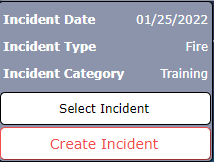
In the navigation pane to the left, click on the button next to the incident name and click the Select Incident button from the dialog box that appears.
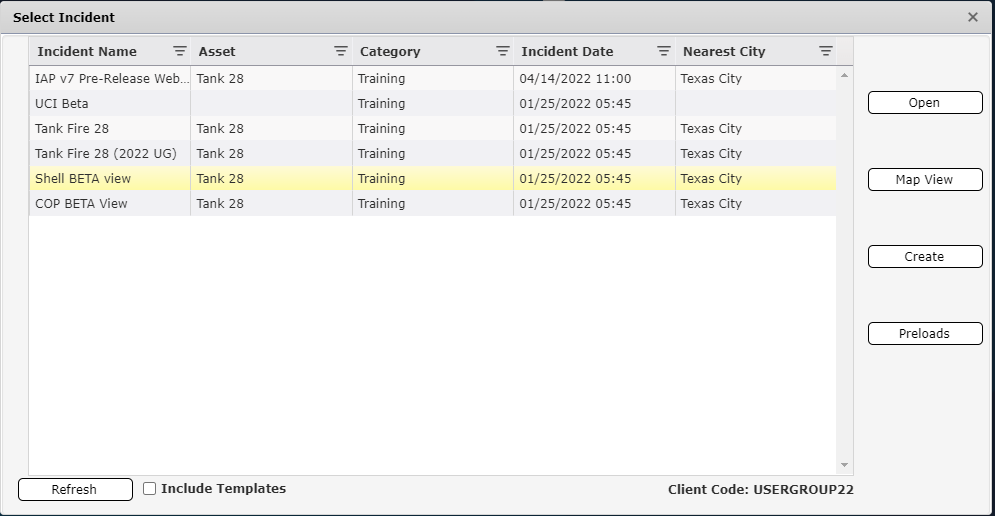
Then select Preloads button  from the “Select Incident” window.
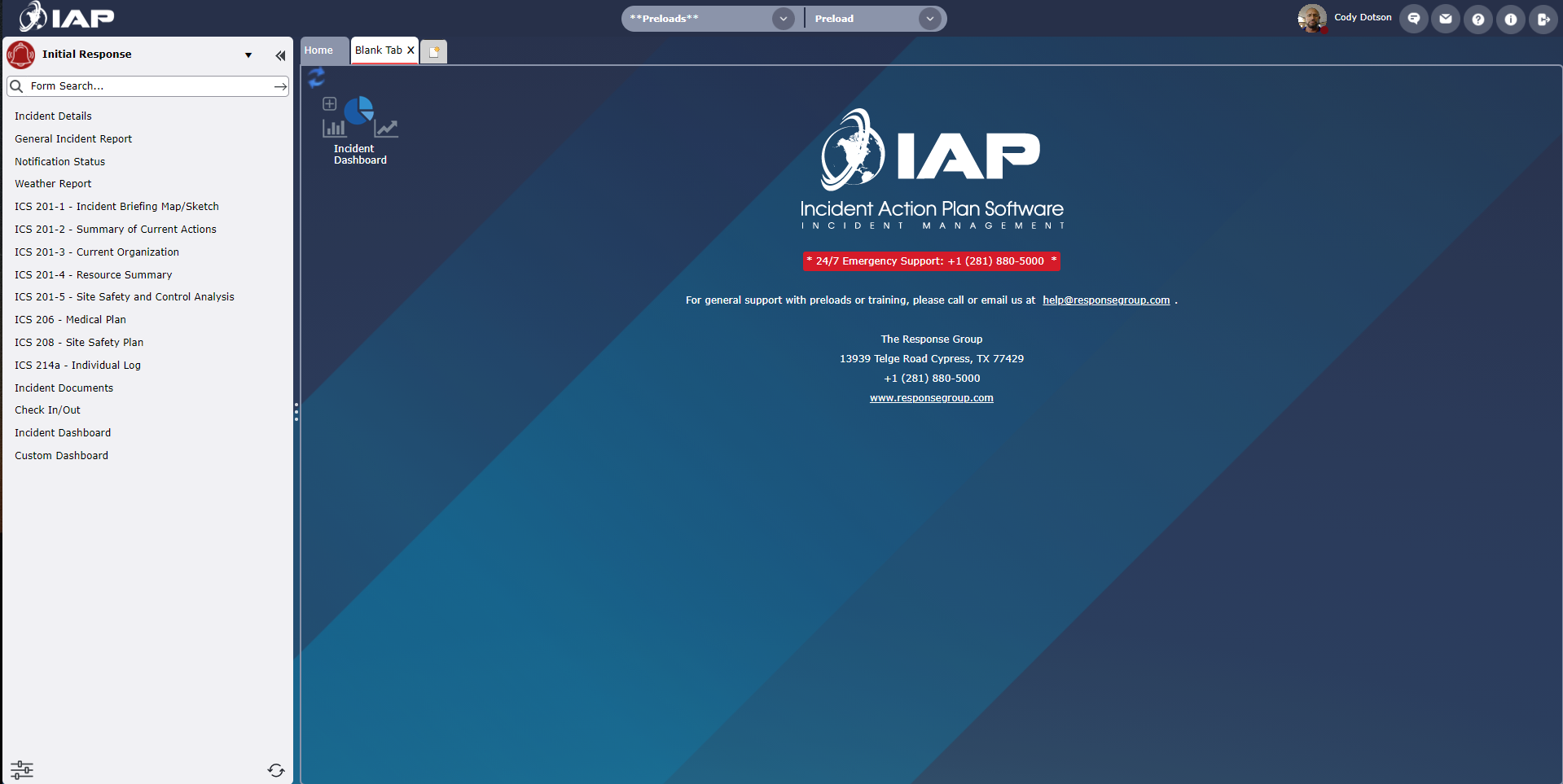
Confirm that preload mode has been entered by checking that the words **Preloads** and Preload appear where the incident name and operational periods are usually displayed.

To exit preload mode, repeat step number 1 from the Enter Preload Mode section of this page, then select an incident to work in from the “Select Incident” window and click Open.
© 2024, TRG The Response Group LLC., All rights are reserved.
No part of this web site, and the information which it contains, may be reproduced, stored in a retrieval system or transmitted in any form or by any means, electronic, mechanical, photocopying, recording or otherwise, without prior written permission of TRG.