| IAP Software ™ |  |
| IAP Software ™ | |
Create New Position Drop-Down
The Create New Position Drop-Down function allows users to enter a new position from a form where the requested position is not listed in the drop-down menu. The position record will then be available to select/use in any position down-down list. This function is only found in forms that require positions (e.g. ICS 201-3, ICS 207, etc.).
Contents
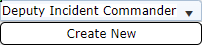
Click the position field to activate the drop-down list then click the Create New button  . A Create Position window will appear where the user can add the position.
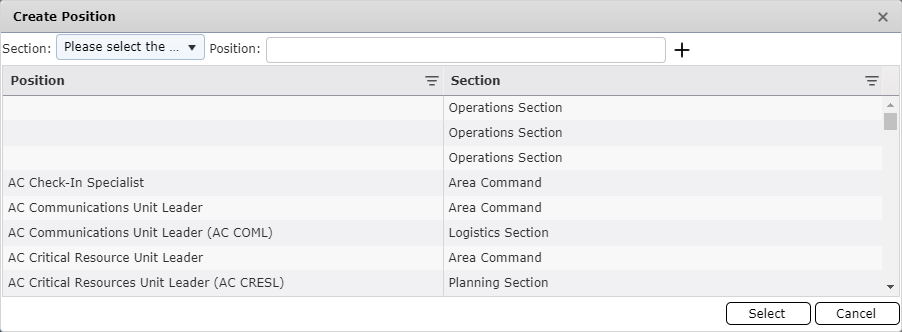
Choose the Section from the drop-down.
Next, free type to enter the Position. A real-time smart search will check to see if the position already exists. If the record exists, the user can simply select the current record and click the Select button  to avoid adding a duplicate record.
If the position does not exist, click the Add button . The newly created position will populate in the position field originally selected and become available in the drop-down menu for future use.
NOTE: For more information on how to add/modify positions, please refer to the Sections & Positions page.
© 2024, TRG The Response Group LLC., All rights are reserved.
No part of this web site, and the information which it contains, may be reproduced, stored in a retrieval system or transmitted in any form or by any means, electronic, mechanical, photocopying, recording or otherwise, without prior written permission of TRG.