| IAP Software ™ |  |
| IAP Software ™ | |
ICS 224 – Environmental Unit Summary
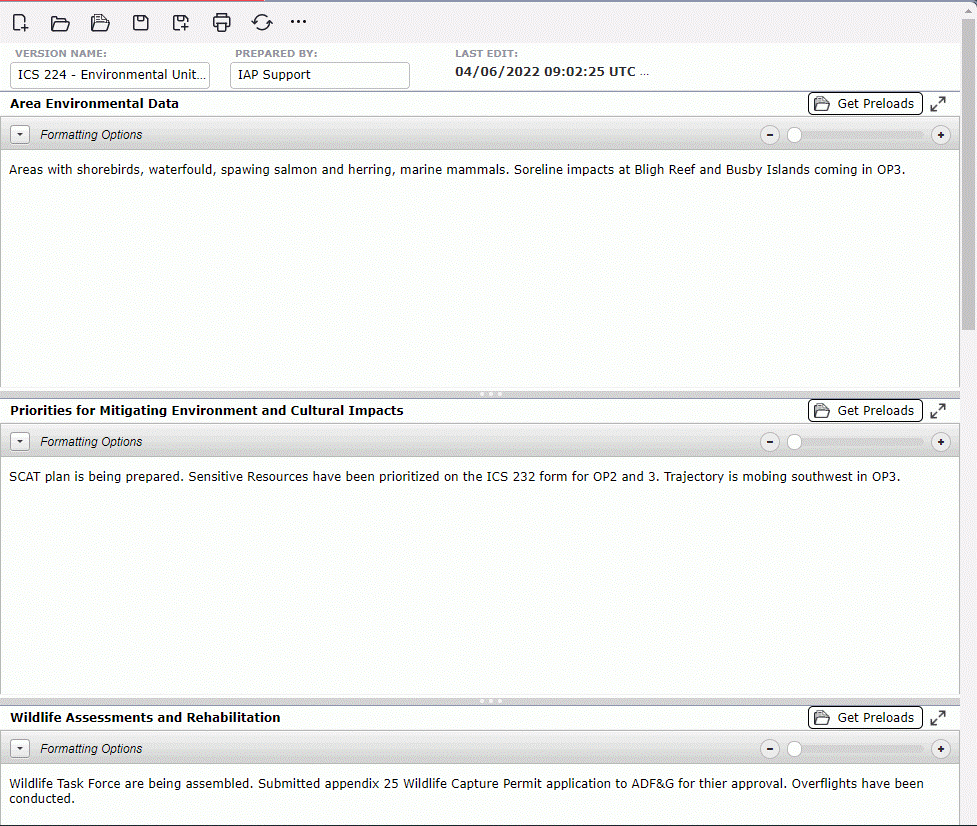
The ICS 224 – Environmental Unit Summary is used to record and identify details of the Environmental Unit, including forecasted activities. For help on using general form functions (e.g. Create/Open Version, Save, etc.) and accessing preloaded versions, see the General Form Functions page.
Contents
By default, the ICS 224 will open in a Classic view, separating the different sections on one page. The form can also be displayed in Tabbed view, separating the different sections into individual tabs. To switch between the views, click the Display Mode button  .
.
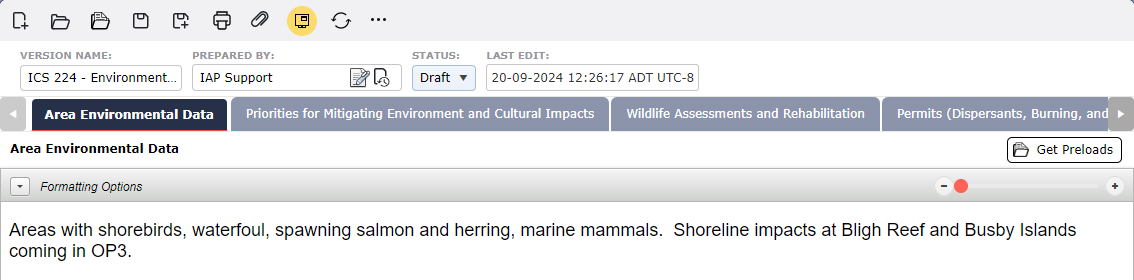
Each of the sections identified on the ICS 224 are free type text fields and include the Formatting Toolbar. This provides an effective way to format text. The Environmental Unit Leader should consult with state/local environmental specialists to complete the following sections: Area Environmental Data, Priorities for Mitigating Environmental and Cultural Impacts and Wildlife Assessments and Rehabilitations. For more information, see the Formatting Toolbar page. Users can also click the Get Preloads Data buttons  in each section to pull in preloaded rich text data. For more information see the Default Text – Form Fields page.
© 2024, TRG The Response Group LLC., All rights are reserved.
No part of this web site, and the information which it contains, may be reproduced, stored in a retrieval system or transmitted in any form or by any means, electronic, mechanical, photocopying, recording or otherwise, without prior written permission of TRG.